一键自动化博客发布工具,用过的人都说好(公众号篇)
使用一键自动化博客发布工具blog-auto-publishing-tools把博客发布到公众号篇上。
前提条件
公众号的实现
登录到首页
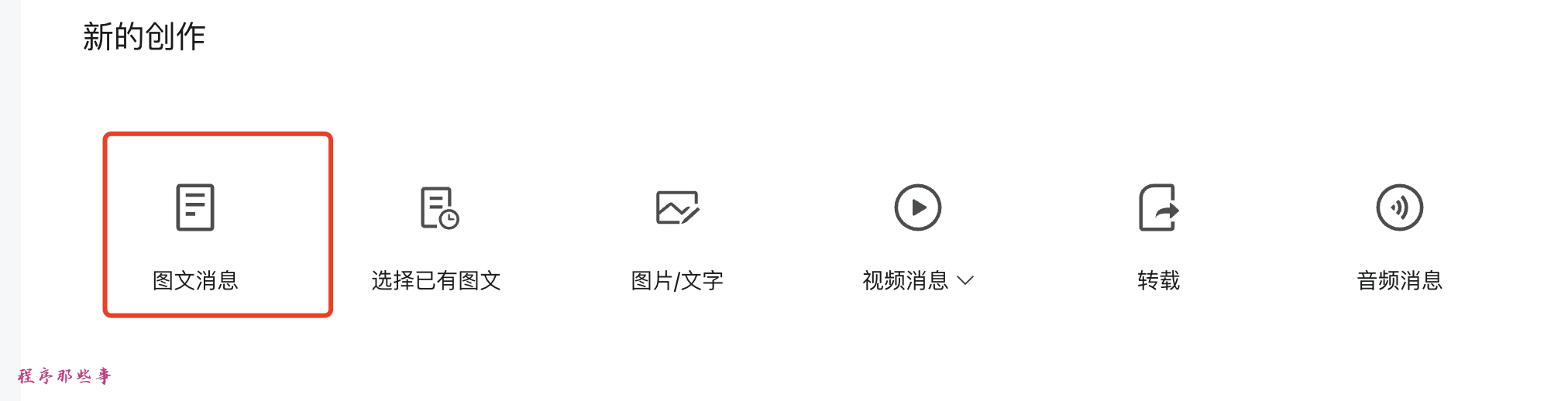
点击图文消息
输入标题
输入作者

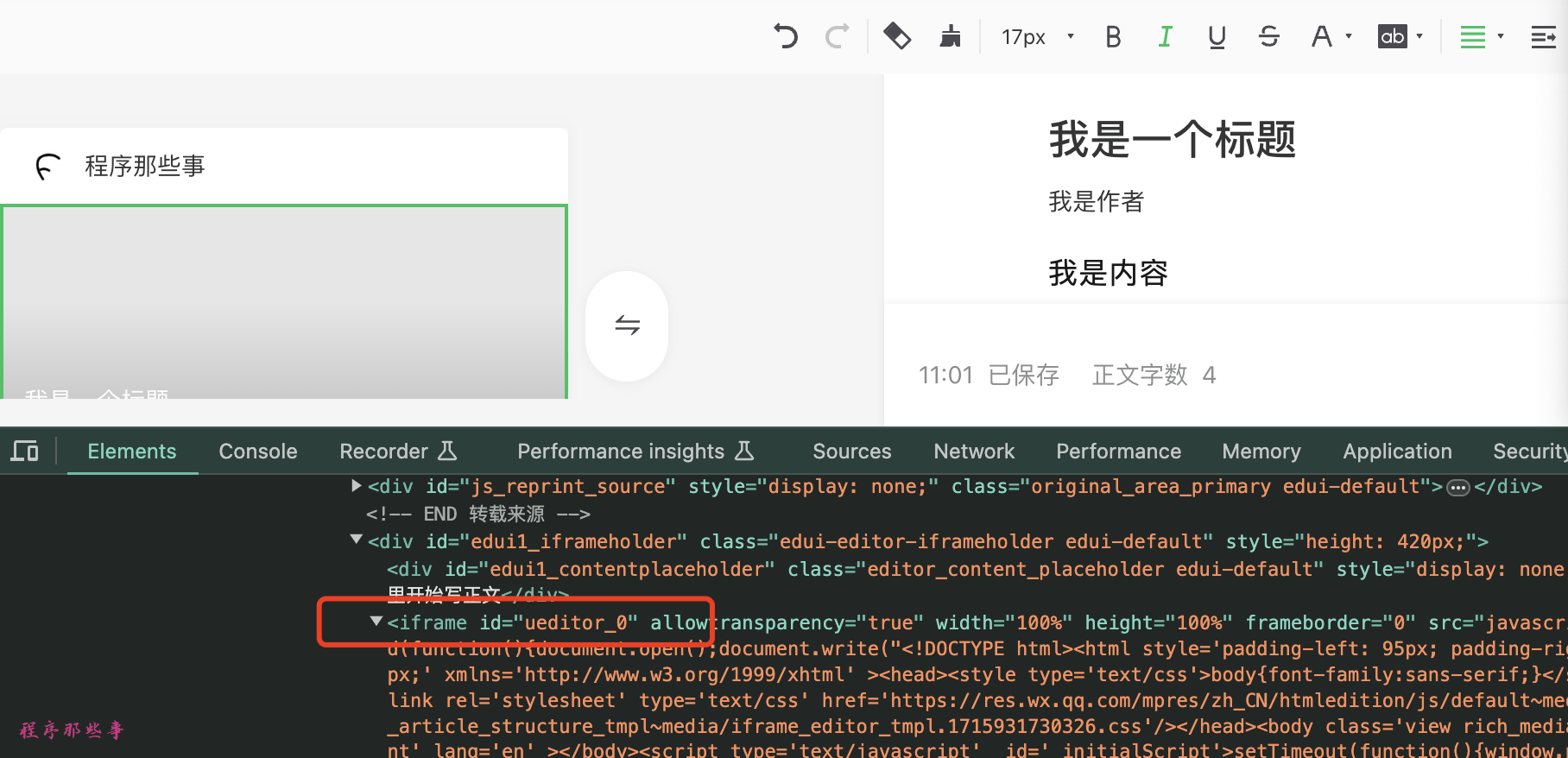
文章内容
添加封面
原创声明
开启赞赏
设置合集

最后的发布
总结
最后更新于
这有帮助吗?
使用一键自动化博客发布工具blog-auto-publishing-tools把博客发布到公众号篇上。
最后更新于
这有帮助吗?
这有帮助吗?
    # 点击图文消息
    pic_and_article_button = driver.find_element(By.XPATH, '//div[@class="new-creation__menu-item"]//div[@class="new-creation__menu-title" and contains(text(), "图文消息")]')
    pic_and_article_button.click()
time.sleep(1) # 切换到新的tab
driver.switch_to.window(driver.window_handles[-1])
time.sleep(1) # 文章标题
title = driver.find_element(By.ID, 'title')
title.clear()
if 'title' in front_matter['title'] and front_matter['title']:
title.send_keys(front_matter['title'])
else:
title.send_keys(common_config['title'])
time.sleep(2) # 等待3秒 # 文章作者
author = driver.find_element(By.ID, 'author')
if 'authors' in front_matter and front_matter['authors']:
author.send_keys(front_matter['authors'])
else:
author.send_keys(mpweixin_config['author'])
time.sleep(1) pandoc -f markdown -t html5 input.md -o output.html # 文章内容 html版本
content_file = common_config['content']
# 注意,zhihu 不能识别转换过后的代码块格式
content_file_html = convert_md_to_html(content_file, False)
get_html_web_content(driver, content_file_html)
time.sleep(2) # 等待2秒
driver.switch_to.window(driver.window_handles[-1])
time.sleep(1) # 等待1秒
# 不能用元素赋值的方法,所以我们使用拷贝的方法
cmd_ctrl = Keys.COMMAND if sys.platform == 'darwin' else Keys.CONTROL
action_chains = webdriver.ActionChains(driver)
# 点击内容元素
content_element = driver.find_element(By.ID, 'edui1_contentplaceholder')
ActionChains(driver).click(content_element).perform()
time.sleep(1)
# 模拟实际的粘贴操作
action_chains.key_down(cmd_ctrl).send_keys('v').key_up(cmd_ctrl).perform()
time.sleep(3) # 等待5秒 不需要进行图片解析 original_statement = driver.find_element(By.ID, 'js_original')
original_statement.click() ## 点击确认按钮
confirm_button = driver.find_element(By.XPATH, '//div[@class="weui-desktop-dialog"]//div[@class="weui-desktop-btn_wrp"]//button[contains(text(), "确定")]')
confirm_button.click() # 赞赏
zhanshang_button = driver.find_element(By.ID, 'js_reward_setting_area')
zhanshang_button.click() ## 点击确认按钮
confirm_button = driver.find_element(By.XPATH, '//div[@class="reward-setting-dialog__footer"]//div[@class="weui-desktop-btn_wrp"]//button[contains(text(), "确定")]')
confirm_button.click() tag_button = driver.find_element(By.XPATH, '//div[@id="js_article_tags_area"]//div[contains(@class,"js_article_tags_label")]/span[text()="未添加"]')
ActionChains(driver).move_to_element(tag_button).perform()
time.sleep(1)
ActionChains(driver).click(tag_button).perform()
time.sleep(1) # 输入标签
tag_input = driver.find_element(By.XPATH,
'//span[@class="weui-desktop-form-tag__area"]//input[@placeholder="输入后按回车分割"]')
for tag in tags:
tag_input.send_keys(tag)
time.sleep(1)
tag_input.send_keys(Keys.ENTER)
time.sleep(1)# 点击确定按钮
confirm_button = driver.find_element(By.XPATH, '//div[@class="weui-desktop-btn_wrp"]//button[contains(text(), "确定")]')
confirm_button.click()confirm_button = driver.find_element(By.ID, 'js_send')
confirm_button.click()send_button = driver.find_element(By.XPATH, '//div[@class="weui-desktop-btn_wrp"]/button[text()="发表"]')
send_button.click()