一键自动化博客发布工具,用过的人都说好(51cto篇)
使用一键自动化博客发布工具blog-auto-publishing-tools把博客发布到51cto上。
前提条件
51cto的实现
标题输入
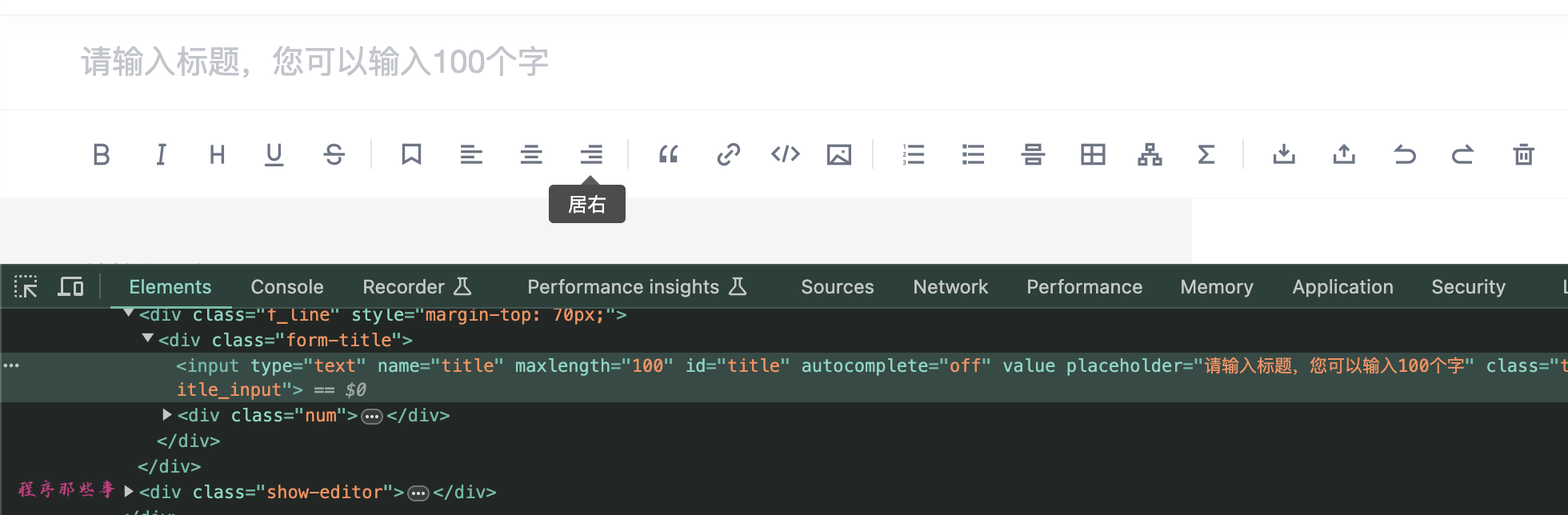
文章内容
发布文章
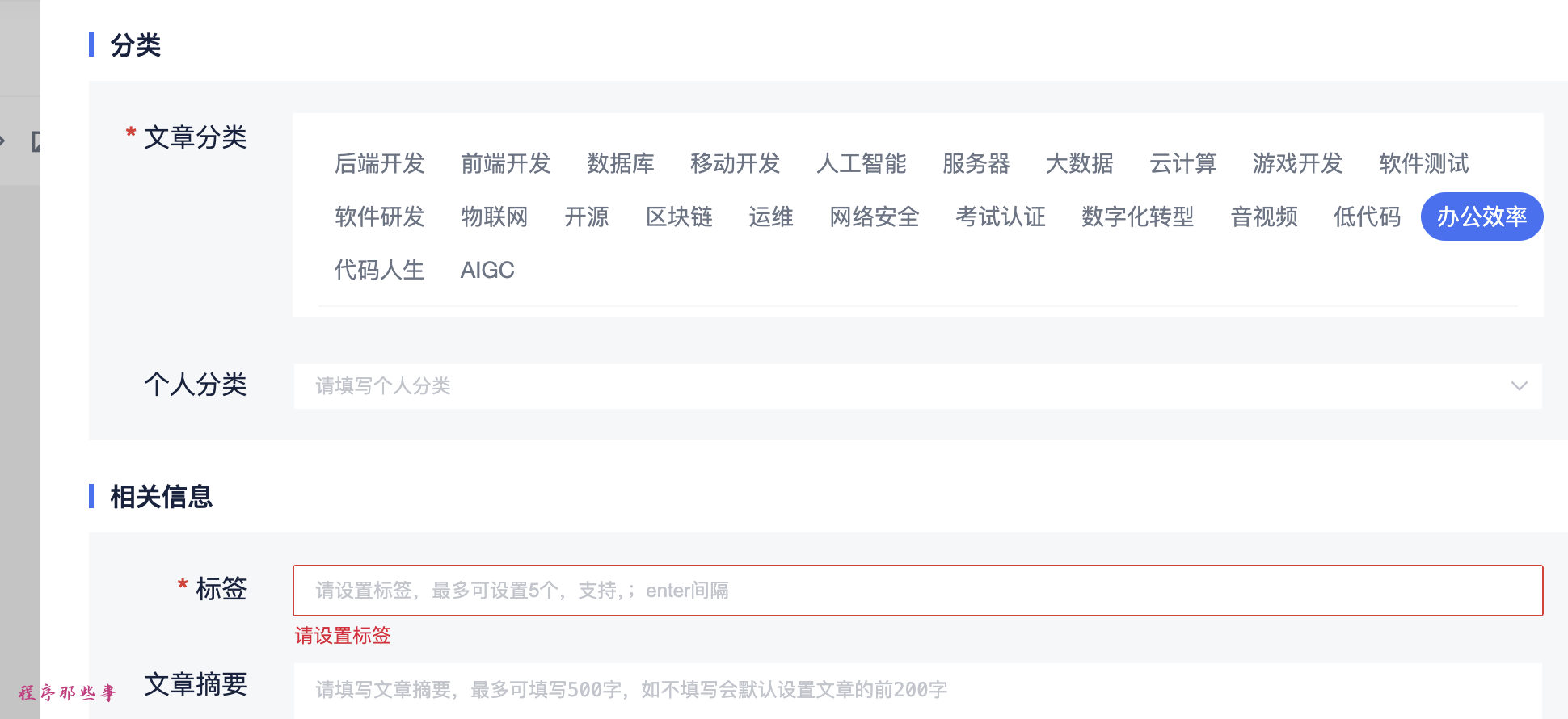
设置分类
设置个人分类
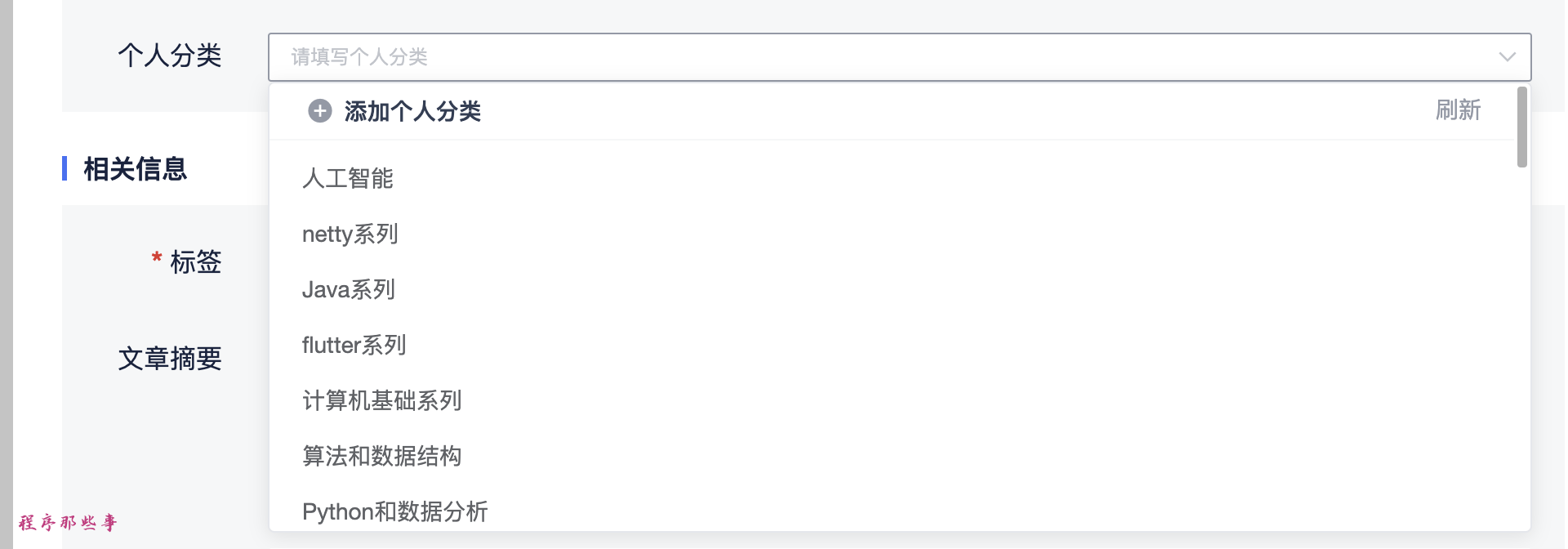
设置个人标签
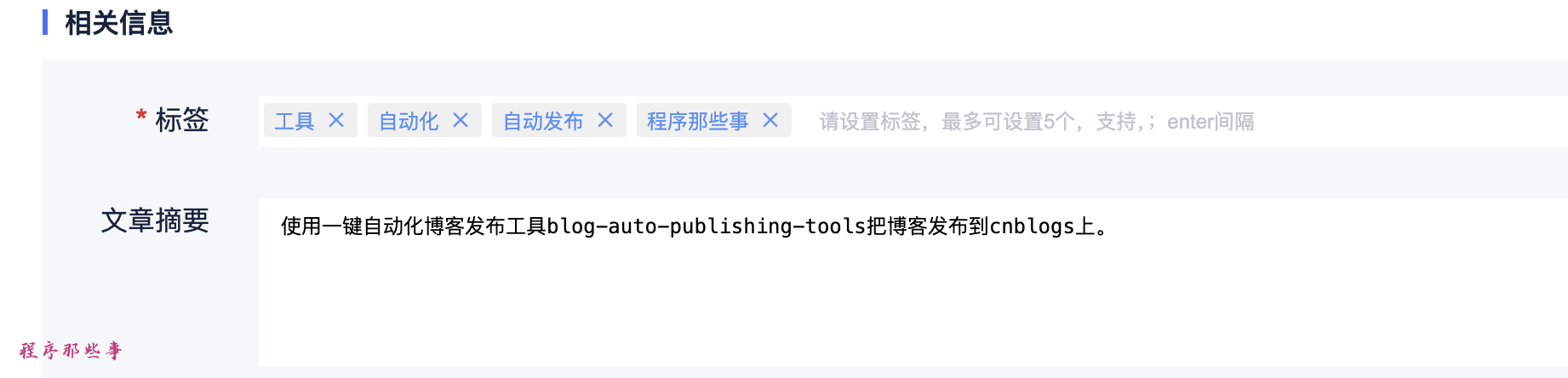
设置摘要
设置话题
最后发布按钮
总结
最后更新于
这有帮助吗?
使用一键自动化博客发布工具blog-auto-publishing-tools把博客发布到51cto上。
最后更新于
这有帮助吗?
这有帮助吗?
    # 文章标题
    title = driver.find_element(By.ID, 'title')
    title.clear()
    if 'title' in front_matter['title'] and front_matter['title']:
        title.send_keys(front_matter['title'])
    else:
        title.send_keys(common_config['title'])
time.sleep(2) # 等待3秒 # 文章内容 markdown版本
file_content = read_file_with_footer(common_config['content'])
# 找到初始的内容描述文字
content = driver.find_element(By.XPATH, '//textarea[@placeholder="请输入正文"]')
content.send_keys(file_content)
time.sleep(15) # 等待15秒 需要进行图片解析 # 发布文章
send_button = driver.find_element(By.XPATH, '//button[contains(@class, "edit-submit")]')
ActionChains(driver).click(send_button).perform()
time.sleep(5) # 文章分类
type = cto51_config['type']
type_button = driver.find_element(By.XPATH, f'//div[@class="types-select-box"]//span[contains(text(),"{type}")]')
type_button.click()
time.sleep(2) # 个人分类
personal_type = cto51_config['personal_type']
personal_type_input = driver.find_element(By.ID, 'selfType')
personal_type_input.click()
time.sleep(1)
personal_type_element = driver.find_element(By.XPATH,f'//div[@class="el-select classification person-type"]//li[@class="el-select-dropdown__item"]/span[text()="{personal_type}"]')
personal_type_element.click()
time.sleep(1) # 标签
if 'tags' in front_matter and front_matter['tags']:
tags = front_matter['tags']
else:
tags = cto51_config['tags']
if tags:
tag_input = driver.find_element(By.ID, 'tag-input')
tag_input.clear()
for tag in tags:
tag_input.send_keys(tag)
time.sleep(1)
tag_input.send_keys(Keys.ENTER)tag_list_div = tag_input.find_element(By.XPATH, 'preceding-sibling::div')
# 使用 JavaScript 删除子元素
driver.execute_script("arguments[0].innerHTML = '';", tag_list_div) # 摘要
if 'description' in front_matter['description'] and front_matter['description']:
summary = front_matter['description']
else:
summary = common_config['summary']
if summary:
summary_input = driver.find_element(By.ID, 'abstractData')
summary_input.clear()
summary_input.send_keys(summary) # 话题
topic = cto51_config['topic']
if topic:
topic_input = driver.find_element(By.ID, 'subjuct')
topic_input.click()
time.sleep(1)
list_item_list = driver.find_element(By.ID, 'listItemList')
list_item_list.find_element(By.XPATH, f'//li[contains(text(),"{topic}")]').click() # 发布
if auto_publish:
publish_button = driver.find_element(By.ID, 'submitForm')
publish_button.click()